
Installation guide for Control4's T3 series tabletop touch screens with PoE, Ethernet, or WiFi options.
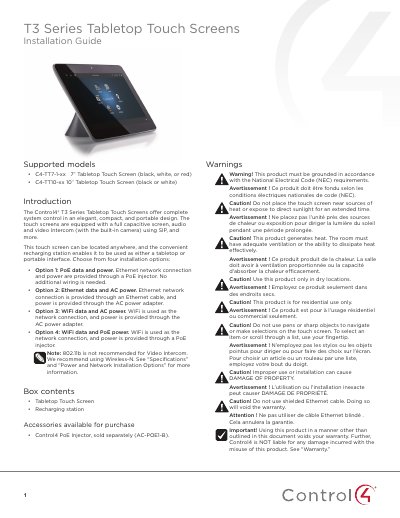
This guide details how to install Control4 T3 series tabletop touch screens using four power and network options: PoE, Ethernet with AC power, WiFi with AC power, or WiFi with PoE. Each option requires specific wiring or network setup. The device supports 7" and 10" screens with capacitive touch and built-in video intercom via SIP. Safety warnings and mounting considerations are included.
The guide covers hardware requirements, including compatible Control4 OS versions, Ethernet cables, PoE injectors, and AC adapters. It also explains how to configure the device for wireless use and provides physical dimensions and weight for both screen sizes and their charging stations. This manual is written in Chinese.
| Screen Resolution | 1280 × 800 |
|---|---|
| Camera | 720p |
| Network | Ethernet or WiFi (802.11g/n [2.4 GHz]) |
| Power Supply | PoE (IEEE 802.3af) 13W peak; 44~57VDC; 10W @ 44VDC = 0.22A |
| Operating Temperature | 32 ~ 104˚F (0˚ ~ 40˚C) |
| Dimensions (7" Touch Screen) | 7.0 × 5.1 × 0.75” (178 × 130 × 19 mm) |
| Weight (7" Touch Screen) | 0.7 lbs. (0.32 kg) |
| Control4 OS Requirement | 2.7.2 or later (2.8.0 for 10" model) |
The screen resolution is 1280 × 800, and the camera is 720p.
The operating temperature range is 32 ~ 104˚F (0˚ ~ 40˚C).