
Key facts
- Manuals
- 1
- Languages
- EN
- Last added
- 2026-11-08
Featured Contro l4 manuals
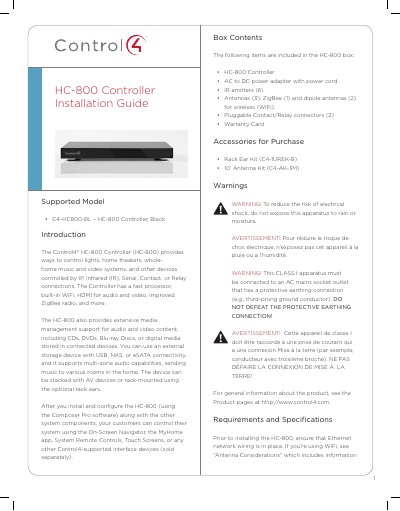
Control4 HC-800 Controller Installation Guide
Control4 HC-800 Controller Installation Guide covers installation and connection of the Control4 HC-800 Controller (model C4-HC800-BL). It lists box contents, warnings, requirements, specifications, front and back views, and installation steps.
The guide describes mounting options, Ethernet or WiFi network connection, power-up, and device connections including contacts, relays, serial, IR, HDMI, component video, audio, USB, and eSATA. It also notes factory restore and power pinhole troubleshooting features.
Covers: Box Contents · Warnings · Requirements and Specifications · Introduction · Additional Resources · Front View
Latest Contro l4 manuals
Control4 HC-800 Controller Installation Guide
Installation Guide 7 pages · 1.3 MB · ENInstallation guide for the Control4 HC-800 Controller covering box contents, specifications, front/back views, network setup, and device connections.
Which document do I need?
Installation Guide
Mounting, wiring and first power-up. Read it before the hardware goes in.
Questions answered in Contro l4 manuals
What items are included in the HC-800 box?
The box includes the HC-800 Controller, AC to DC power adapter with power cord, IR emitters (6), antennas (3), pluggable Contact/Relay connectors (2), and a Warranty Card.
Can WiFi be used for a Primary Controller?
No, WiFi cannot be used for Primary Controllers; use WiFi for Secondary Controllers only.