
Installation and user guide for the Contacta STS-K020 window intercom system, covering amplifier setup, hearing loop, microphone installation, and…
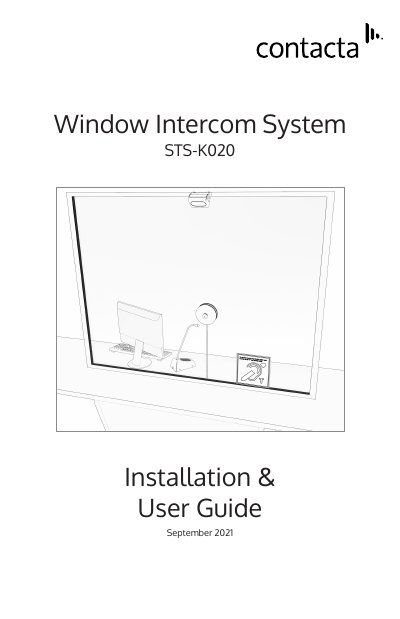
The Contacta STS-K020 is a window intercom system designed for retrofitting into existing screen openings of 2–4 inches diameter, commonly used in banks and post offices. It includes a hearing loop aerial to assist hearing‑device users and a microphone bracket balistically tested to threat level IIIA.
The kit comprises an amplifier (STS‑A31H), power supply (PS‑55), hearing loop aerial (IL‑AE98), overhead speaker (STS‑S23), staff unit (PS‑SU1), and a glass‑mounted microphone assembly (STS‑M14‑000). The manual provides step‑by‑step installation instructions, amplifier connection diagrams, engineer’s mode setup for volume, ducking, and hearing loop drive, plus a troubleshooting table.
| Amplifier model | STS-A31H |
|---|---|
| Power supply model | PS-55 |
| Hearing loop aerial model | IL-AE98 |
| Overhead speaker model | STS-S23 |
| Staff unit model | PS-SU1 |
| Microphone assembly model | STS-M14-000 |
| Microphone ballistic rating | Threat level IIIA (NIJ 0108.01) |
The microphone bracket is balistically tested to threat level IIIA, test standard: modified/abbreviated NIJ 0108.01.
Enter Engineer’s Mode, select Setup Area 3 (LED 3 flashes) to adjust the Hearing Loop Drive level or turn it on/off.
The hole in the glass must be between 2½ and 4½ inches in diameter.