
A beginner's guide for the Condor 2 Soaring Simulator covering requirements, setup, controls, graphics, tips, shortcuts, and multiplayer.
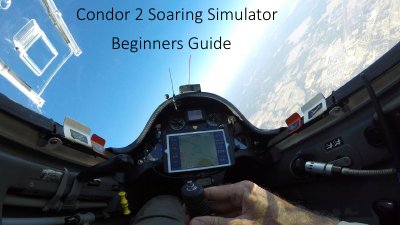
This guide helps new pilots get started with the Condor 2 Soaring Simulator. It walks you through system requirements, software download, initial setup, joystick configuration, graphics options, and useful tips for an easy flying experience.
The document also explains shortcut keys, how to enable thermal helpers, and how to join the multiplayer community via Discord. Follow the next‑step sections to load landscapes, add tasks, and connect with other gliders.
| Operating System | Windows PC |
|---|---|
| Graphics | Good graphics card |
| Input device | Joystick (Logitech Pro or better) |
| Software version | Condor 2 latest updates |
You need a reasonably good Windows PC with a good graphics card, a joystick (Logitech Pro or better), and the latest Condor 2 software.
Thermal helpers can be turned on and off in the setup to help you build your thermal flying skills.
Download the Discord app, install it, and join the server at https://discord.gg/9p9SnJj.