
This manual provides instructions for setting up, connecting, and using the Cobham EXPLORER 510 BGAN terminal for satellite communication.
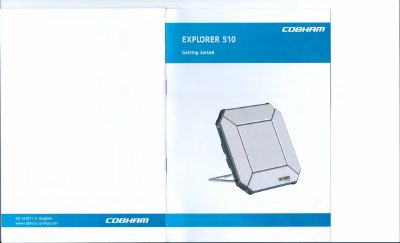
The Cobham EXPLORER 510 is a compact BGAN terminal designed for reliable satellite communication in remote locations. It provides simultaneous high-quality voice and broadband access at speeds up to 464 kbps, serving as a mobile access point for office resources. The device supports WLAN as the primary interface for connecting user equipment such as smartphones, tablets, and computers.
| Data speed | up to 464 kbps |
|---|---|
| Default WLAN name | EXPLORER510 |
| Default WLAN password | serial number |
| Default WLAN security | WPA2-AES |
| Default web interface IP | 192.168.0.1 |
| Default SIP port | 5060 |
| Default voice codec | G.711 |
The default password is the serial number of your EXPLORER 510.
Push and hold the power button for 2 seconds until the Status LED flashes rapidly green.
No, you cannot make calls over the cellular network connection.
The default SIP server address is 192.168.0.1.