
Key facts
- Manuals
- 1
- Languages
- EN
- Last added
- 2026-10-30
Featured COBHAM manuals
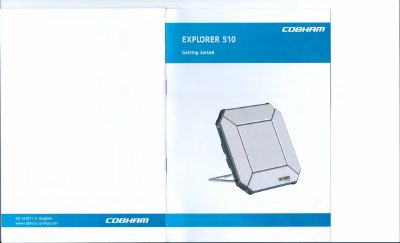
Cobham EXPLORER 510 BGAN Terminal User Manual
The Cobham EXPLORER 510 is a compact BGAN terminal designed for reliable satellite communication in remote locations. It provides simultaneous high-quality voice and broadband access at speeds up to 464 kbps, serving as a mobile access point for office resources. The device supports WLAN as the primary interface for connecting user equipment such as smartphones, tablets, and computers.
Covers: Getting started · Insert the SIM card · Switch on the EXPLORER 510 · Connect to WLAN · Set up cellular network · Point the antenna
Latest COBHAM manuals
Cobham EXPLORER 510 BGAN Terminal User Manual
User Manual 8 pages · 633 KB · ENThis manual provides instructions for setting up, connecting, and using the Cobham EXPLORER 510 BGAN terminal for satellite communication.
Which document do I need?
User Manual
Day-to-day operation, settings and troubleshooting. Start here if the product is already set up.
Questions answered in COBHAM manuals
What is the default password for the EXPLORER 510 WLAN?
The default password is the serial number of your EXPLORER 510.
How do I switch on the EXPLORER 510?
Push and hold the power button for 2 seconds until the Status LED flashes rapidly green.