
User guide for Citizen CLP-7201e thermal transfer barcode printer with safety, setup, operation, and maintenance instructions.
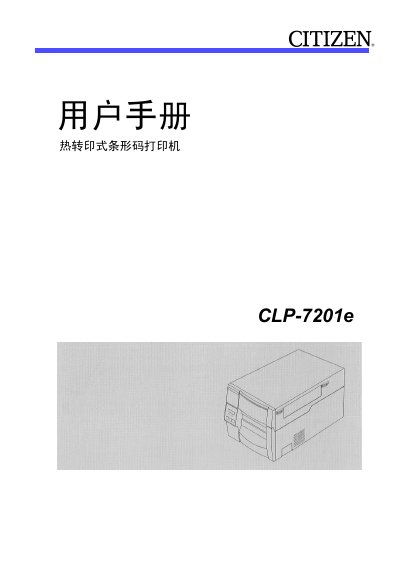
This manual provides safety guidelines, setup instructions, and operational procedures for the Citizen CLP-7201e thermal transfer barcode printer. It covers installation, media and ribbon setup, printer adjustments, troubleshooting, and maintenance. The printer supports IEEE1284 parallel, serial, and USB ports, and optional LAN and WiFi connectivity. It features Active Ribbon Control & Positioning for improved print quality and a user-friendly design for easy media loading and maintenance.
The manual includes detailed sections on safety precautions, printer configuration, media and ribbon settings, printer adjustments, and troubleshooting common issues such as power, media, ribbon, print, and interface problems. This manual is written in Chinese.
| Print Technology | Thermal Transfer |
|---|---|
| Interface | IEEE1284 Parallel, Serial, USB |
| Ribbon Control | Active Ribbon Control & Positioning |
| Connectivity | Optional LAN and WiFi |
It uses thermal transfer printing technology.
It includes IEEE1284 parallel, serial, and USB ports.
Yes, optional LAN and WiFi interfaces are available for network connectivity.
It uses Active Ribbon Control & Positioning technology to improve print quality and prevent ribbon slippage.