
The Citizen CT‑S601 thermal printer user manual provides safety guidelines, setup steps, operation instructions, maintenance tips and technical specifications.
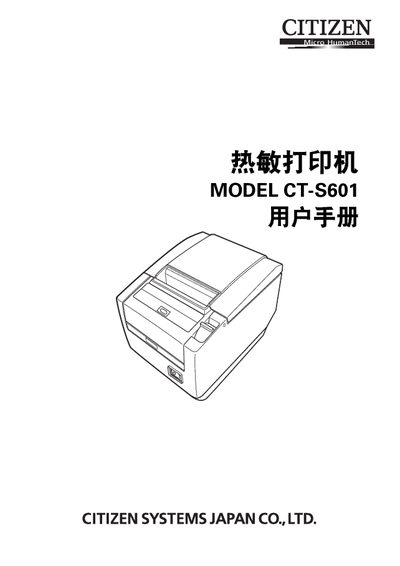
This manual covers safety precautions, proper placement, and handling of the CT‑S601 thermal printer. It explains how to install power and data connections, load paper, and configure optional features such as storage switches and barcode printing.
The document also details routine maintenance, cleaning procedures, troubleshooting of common errors, and provides a full list of technical specifications, including print speed, resolution, interfaces and environmental limits. This manual is written in Chinese.
| Print speed | 200 mm/s (fastest, 100 % density) |
|---|---|
| Resolution | 203 dpi (8 × 8 dots/mm) |
| Print width | 80 mm (max) |
| Power consumption | ≈ 45 W (normal printing), 3 W (standby) |
| Interfaces | Serial (RS‑232C), Parallel (IEEE 1284), USB, USB hub, Ethernet |
| Operating temperature / humidity | 5‑45 °C, 10‑90 % RH |
The printer can print at up to 200 mm per second when operating at 100 % density.
Only the specified thermal paper widths (83 mm, 80 mm, 60 mm, 58 mm) may be used; non‑specified or damaged paper can reduce print quality or cause jams.
Enter the single‑setting mode, press the FEED button until “Save To Memory” appears, then follow the on‑screen prompts to restore all switches to their factory settings.