
Cisco DPC3010 and EPC3010 DOCSIS 3.0 Cable Modem User Guide

This user guide provides installation, configuration, operation, and troubleshooting instructions for the Cisco DPC3010 and EPC3010 DOCSIS 3.0 cable modems.
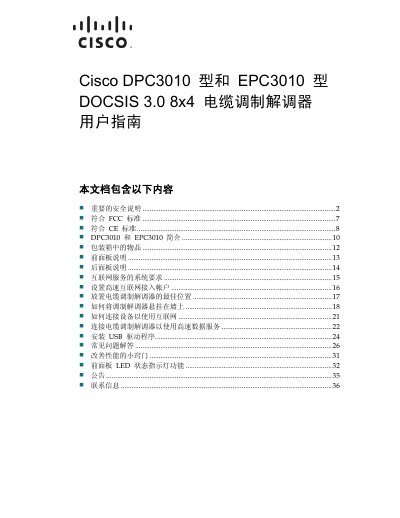

Cisco DPC3010 and EPC3010 DOCSIS 3.0 Cable Modem User Guide - cover page
Brand
Cisco
Category
Other Electronics
Document type
User Manual
Language
Chinese
Pages
38
File format
PDF
File size
1.3 MB
Updated
12 October, 2026
MD5 checksum
97A2D82A41E4D0155849965332E16B63

About this manual

This document serves as the user guide for the Cisco DPC3010 and EPC3010 DOCSIS 3.0 cable modems. It covers essential safety precautions, regulatory compliance information, and an introduction to the device's features and capabilities. This manual is written in Chinese.

What's inside

  • Important Safety Instructions
  • FCC Compliance
  • CE Compliance
  • Introduction to DPC3010 and EPC3010
  • Items in the Package
  • Front Panel Description
  • Rear Panel Description
  • System Requirements
  • Setting Up High-Speed Internet
  • Troubleshooting

Specifications

DOCSIS VersionDOCSIS 3.0
Downstream Channels8 bonded channels
Upstream Channels4 bonded channels
Ethernet PortsGigabit Ethernet and 10/100BASE-T
USB SupportUSB 2.0
Max Users64 users

Frequently asked questions

What are the models covered in this manual?

This manual covers the DPC3010 and EPC3010 models.

What is the maximum number of supported users?

The modem supports up to 64 users.

Can this modem be used for both home and business?

Yes, it is designed to improve internet experience for both home and business communication.

Download PDF (1.3 MB)

More Cisco Manuals


View all Cisco manuals →