
Operating instructions for the CHUBUTSU PRECHISE LCD Button, covering brightness, wheel diameter, assistance, mileage, time, and wiring diagrams.
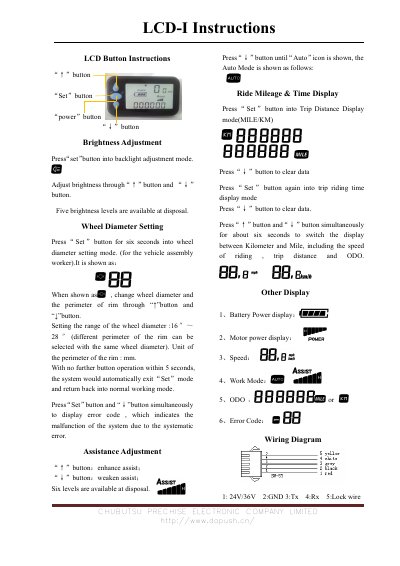
This document provides instructions for operating a CHUBUTSU PRECHISE LCD Button device. It details functions such as brightness adjustment, wheel diameter setting, assistance adjustment, and ride mileage and time display. The manual explains how to use the 'Set', 'Power', 'Up', and 'Down' buttons to configure various system parameters.
Press the 'Set' button to enter backlight adjustment mode, then use the '↑' and '↓' buttons to adjust brightness.
The wheel diameter can be set between 16 inches and 28 inches.
Press the 'Set' button for six seconds to enter wheel diameter setting mode.
It displays an error code indicating a systematic malfunction.