
Quick Start Guide for the Chroma-Q Inspire XT, Inspire, and Inspire Mini Terminal Strip LED fixtures, covering installation, cabling, and control.
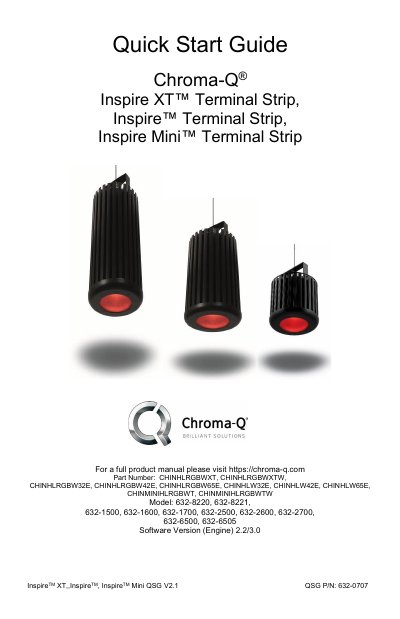
This Quick Start Guide covers the Chroma-Q Inspire XT, Inspire, and Inspire Mini Terminal Strip LED fixtures. It details the installation of the power and data cabling, including the use of the supplied Connector Box and Terminal Block headers. The document also outlines safety precautions, such as the requirement for a safety cable and the prohibition of domestic or outdoor use.
| Beam Angle (Narrow) | approximately 32° |
|---|---|
| Beam Angle (Medium) | approximately 42° |
| Beam Angle (Wide) | approximately 65° |
| DMX Cable Length Limit | 500' / 152m |
| Software Version | 2.2 / 3.0 |
No, this product is for professional use only and is not intended for domestic or outdoor use.
Termination resistors supplied with the External Control Box are required on the first fixture in each data run.
The guide recommends using Belden 9729 or CAT5e/6 cables.