
User manual for Chroma-Q Inspire XT, Inspire, and Inspire Mini terminal strips covering operation, cabling, mounting, optics, control, thermal performance…
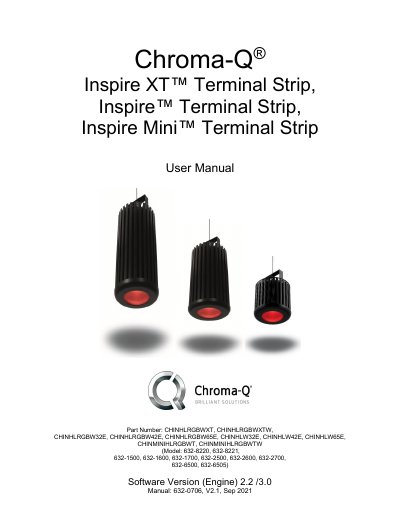
This manual provides instructions for installing, operating, and maintaining Chroma-Q Inspire XT, Inspire, and Inspire Mini terminal strips. It covers cabling, mounting, optics, control, thermal performance, software updates, troubleshooting, and maintenance. Safety precautions are emphasized, including protection from electric shock, burns, and fire. The product is designed for the lighting industry and requires regular maintenance. Users are advised to contact [email protected] or authorized dealers for assistance.
| Software Version (Engine) | 2.2 /3.0 |
|---|---|
| Manual Version | V2.1 |
| Warranty Period | 36 months |
Chroma-Q warrants the product for 36 months from the date of shipment, covering defects in material and workmanship under normal use.
The manual provides instructions for updating the LED engine software, though specific steps are not detailed in the provided text.