
This manual provides operation instructions, safety warnings, specifications, and troubleshooting for the C.A 71 and C.A 73 handheld infrared thermal imagers.
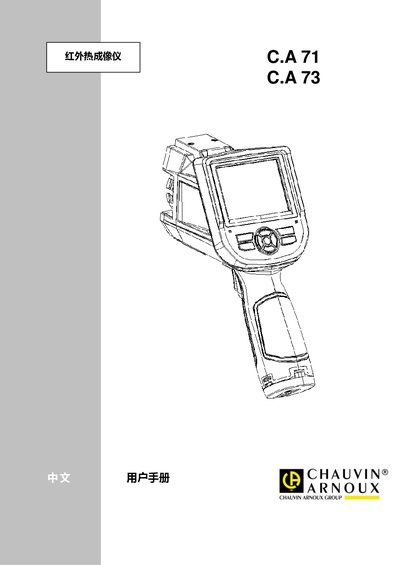
The C.A 71 and C.A 73 are handheld infrared thermal imaging devices designed for industrial inspection, building diagnostics, electrical maintenance, and medical surface temperature measurement. They feature uncooled micro‑bolometer detectors, selectable lenses, and video output for NTSC/PAL.
The manual covers safety precautions, battery installation, basic operation, menu navigation, measurement settings, image storage, technical specifications, and fault troubleshooting. It also includes optional accessories, calibration procedures, and contact information for authorized service. This manual is written in Chinese.
| Detector type | Uncooled focal‑plane microbolometer |
|---|---|
| Pixel resolution | C.A 71: 160×120, C.A 73: 384×288 |
| Wavelength range | 8‑14 µm |
| Sampling frequency | 50 Hz |
| Thermal sensitivity | 0.06 °C @30 °C |
| Field of view | 25° × 19° |
| Focus method | Manual focus |
| Expandable lenses | 0.5× and 2× optional |
| Battery type | Rechargeable Li‑ion, replaceable |
| Continuous operation time | ≥ 3 hours |
| Storage media | Micro TF card, 2 GB standard, up to 16 GB supported |
Install a new rechargeable lithium battery, ensuring it is seated correctly; if the device does not power on, check that the battery is properly installed.
Press and hold the A (select/auto) key for more than 5 seconds; the imager will automatically calibrate to provide accurate measurements.