
Key facts
- Manuals
- 3
- Languages
- ZH · EN
- Last added
- 2026-09-30
Featured Chauvin Arnoux manuals
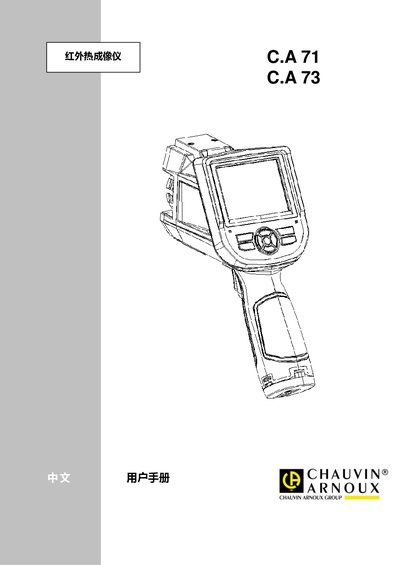
Chauvin Arnoux C.A 71 & C.A 73 Infrared Thermal Imaging Handheld User Manual
The C.A 71 and C.A 73 are handheld infrared thermal imaging devices designed for industrial inspection, building diagnostics, electrical maintenance, and medical surface temperature measurement. They feature uncooled micro‑bolometer detectors, selectable lenses, and video output for NTSC/PAL.
The manual covers safety precautions, battery installation, basic operation, menu navigation, measurement settings, image storage, technical specifications, and fault troubleshooting. It also includes optional accessories, calibration procedures, and contact information for authorized service. This manual is written in Chinese.
Covers: Introduction · Thermal Imager Overview · Basic Operation · Operation Guide · Settings and Calibration · File Management
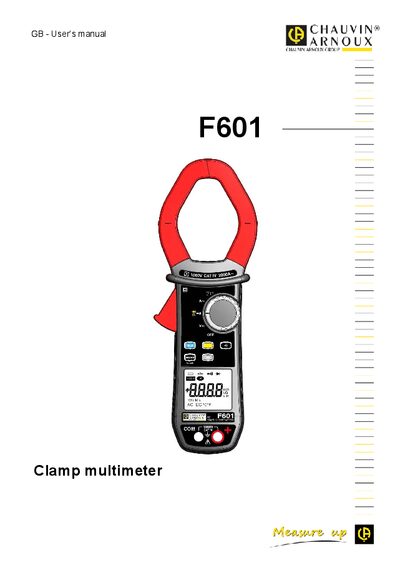
Chauvin Arnoux F601 Clamp Multimeter User Manual
The F601 is a professional clamp multimeter that measures voltage, current, resistance, continuity, diodes, frequency, and temperature. It includes safety instructions, configuration options, and detailed descriptions of the switch, keys, display unit, and terminals.
The manual also covers maintenance procedures, battery replacement, warranty terms, and the accessories supplied with the device. Safety compliance with IEC standards and CAT IV rating are highlighted, along with environmental disposal guidelines.
Covers: Presentation · Keys of the Keypad · Display Unit · Switch Positions · Use and Configuration · Characteristics
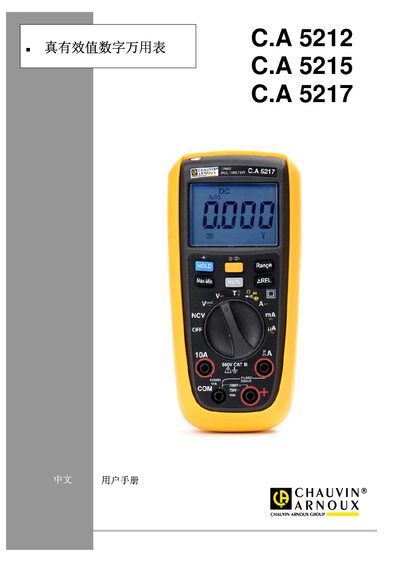
Chauvin Arnoux C.A 5212/5215/5217 Digital Multimeter User Manual
This manual provides safety precautions, an overview of the C.A 521x series multimeters, and detailed operating instructions. It includes sections on first‑time use, backlight control, measurement functions, and maintenance procedures.
The document also lists warranty information, accessories, ordering codes, and general technical specifications such as measurement categories, accuracy, display size, battery type, dimensions and environmental limits. This manual is written in Chinese.
Covers: Safety Precautions · Instrument Overview · Operation Instructions · Maintenance · Warranty · Accessories
Latest Chauvin Arnoux manuals
Chauvin Arnoux C.A 71 & C.A 73 Infrared Thermal Imaging Handheld User Manual
User Manual 40 pages · 1.7 MB · ZHThis manual provides operation instructions, safety warnings, specifications, and troubleshooting for the C.A 71 and C.A 73 handheld infrared thermal imagers.
Chauvin Arnoux F601 Clamp Multimeter User Manual
User Manual 38 pages · 897 KB · ENThe F601 clamp multimeter user manual provides setup, operation, safety, maintenance, and specifications for this professional measuring instrument.
Chauvin Arnoux C.A 5212/5215/5217 Digital Multimeter User Manual
User Manual 16 pages · 771 KB · ZHChinese user manual for the C.A 5212, 5215 and 5217 digital multimeters covering safety, operation, maintenance and specifications.
Which document do I need?
User Manual
Day-to-day operation, settings and troubleshooting. Start here if the product is already set up.
Questions answered in Chauvin Arnoux manuals
How can the battery be replaced?
Install a new rechargeable lithium battery, ensuring it is seated correctly; if the device does not power on, check that the battery is properly installed.
From: Chauvin Arnoux C.A 71 & C.A 73 Infrared Thermal Imaging Handheld User Manual
How do I perform a manual zero calibration?
Press and hold the A (select/auto) key for more than 5 seconds; the imager will automatically calibrate to provide accurate measurements.
From: Chauvin Arnoux C.A 71 & C.A 73 Infrared Thermal Imaging Handheld User Manual
What safety category does the F601 comply with?
The instrument complies with IEC‑61010‑1 and IEC‑61010‑2‑032 for voltages up to 1 000 V in category IV.
How can I access the True‑Inrush measurement mode?
Select the function on the switch and press the corresponding key (Key 4) to activate the INRUSH mode.
What safety standards does the multimeter comply with?
It complies with IEC‑61010‑1, IEC‑61010‑2‑030 and IEC‑61010‑2‑033 CATIII 600 V safety standards.
From: Chauvin Arnoux C.A 5212/5215/5217 Digital Multimeter User Manual
How do you turn on the backlight?
Press and hold the backlight key for more than 2 seconds; the LCD backlight (blue) and torch light (white) will turn on.
From: Chauvin Arnoux C.A 5212/5215/5217 Digital Multimeter User Manual