
User manual for the Cermate RU100 series communication module, covering installation, default settings, antenna selection, LED indicators, and network…
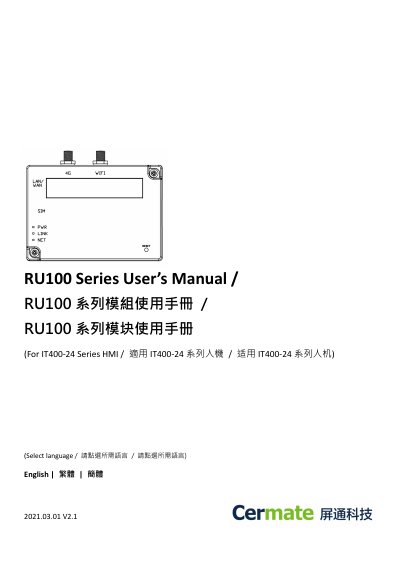
The RU100 series module is a router unit designed for use with Cermate IT400-24 series human-machine interfaces. The manual provides default network settings including IP addresses, login credentials, and Wi-Fi SSID/password, along with naming rules for regional variants (RU101 for AU/NZ/LATAM/TW, RU102 for EU/ME/AF/KR/TH/SEA, RU103 for NA).
Hardware installation steps detail how to attach the module to the HMI, insert a Nano-SIM card, and connect either a 4G or Wi-Fi antenna (but not both). LED indicators show power, link, and network status. Software configuration covers Wi-Fi hotspot settings (mode, SSID, password, WPA2-PSK encryption) and wired network parameters (WAN/LAN mode, LAN IP). This manual is written in Chinese.
| Default Module IP Address | 192.168.99.1 |
|---|---|
| Default Login Account | admin |
| Default Login Password | admin |
| Default Wi-Fi SSID | IDCS-RU |
| Default Wi-Fi Password | 88888888 |
| HMI Ethernet Port1 IP | 192.168.10.10 |
| HMI Ethernet Port2 IP | 192.168.99.10 |
| Wi-Fi Encryption | WPA2-PSK |
| LAN Default IP Address | 192.168.99.1 |
The default login account is 'admin' and the default password is 'admin'.
The default Wi-Fi SSID is 'IDCS-RU' and the default password is '88888888'.
No, the manual cautions to choose either a 4G antenna or a Wi-Fi antenna, not both.