
The CDR Emergency Broadcast Radio User Manual provides instructions for operation, Bluetooth pairing, station search, multimedia playback, and settings.
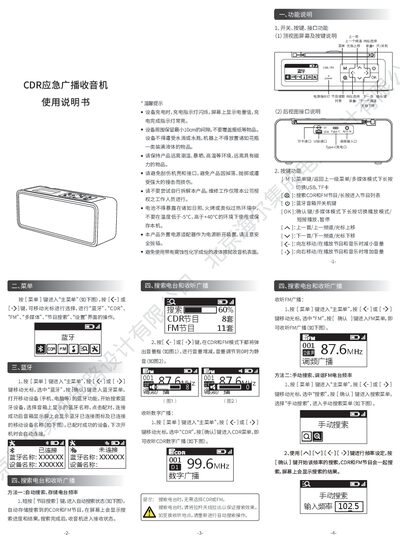
The CDR Emergency Broadcast Radio offers CDR and FM digital broadcasting, Bluetooth audio, and multimedia playback. The manual explains the device layout, key functions, and menu navigation for accessing these features.
It details how to search and store radio stations, pair Bluetooth devices, play music from TF cards or USB drives, adjust backlight and power‑saving settings, and perform a factory reset. Safety and warranty information are also included. This manual is written in Chinese.
| Frequency range | 87-108 MHz |
|---|---|
| Audio format | MP3 |
| Dimensions (W×H×D) | 185 mm × 70 mm × 60 mm |
| TF card support | Up to 16 GB |
| Frequency response | 50 Hz – 18 kHz |
Open the Bluetooth menu, enable Bluetooth on your phone or computer, select the speaker name shown, and confirm pairing; the device will reconnect automatically on next power‑on.
Enter the Settings menu, choose “背光时间”, and use the left/right keys to select the desired timeout or keep the backlight always on.