
This guide provides step-by-step instructions for upgrading the firmware of KD-R880B and KD-R980BTS CD/USB receivers using a USB drive.
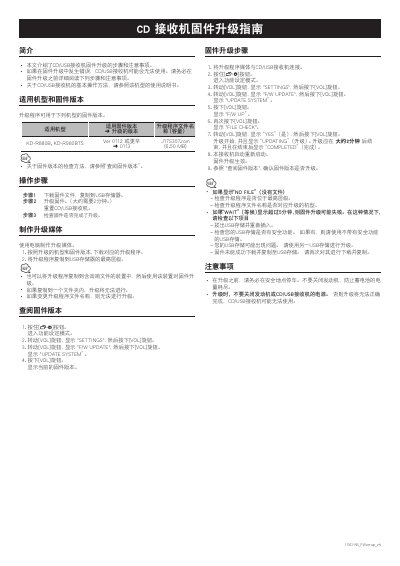
This document outlines the procedure for updating the firmware on specific CD/USB receiver models, including the KD-R880B and KD-R980BTS. It details how to prepare the upgrade media by copying the correct ROM file to a USB storage device at its root directory.
The guide covers the complete upgrade process, from entering the settings mode via the volume knob to confirming the successful completion of the update. It also includes troubleshooting tips for common issues such as 'NO FILE' or 'WAIT' messages and emphasizes safety precautions regarding engine operation during the update. This manual is written in Chinese.
The upgrade process takes approximately two minutes.
This upgrade program is applicable to the KD-R880B and KD-R980BTS models.
The upgrade process takes approximately 2 minutes to complete.
If the display shows 'WAIT' for over 5 minutes, the firmware upgrade may fail.