
This Canon CanoScan LiDE 20/LiDE 30 scanner user manual explains how to start scans, use included software, and troubleshoot problems on Windows and Mac OS
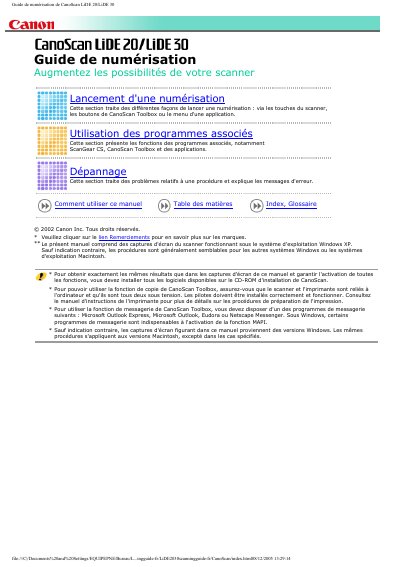
This Canon CanoScan LiDE 20/LiDE 30 scanning guide explains how to start a scan using the scanner buttons, the CanoScan Toolbox buttons, or directly from an application such as an image editor or OCR program.
It also describes the associated programs ScanGear CS, CanoScan Toolbox, PhotoStudio, PhotoBase, OmniPage SE and Acrobat Reader, and provides troubleshooting for installation, scanner and scanning problems. Screen shots are based on Windows XP, with similar procedures for other Windows versions and Macintosh. This manual is written in French.
| Operating system | Windows XP |
|---|---|
| Compatible operating systems | Windows and Macintosh |
You can start a scan by pressing a scanner button, clicking a CanoScan Toolbox button, or launching the scan from an application.
The guide covers ScanGear CS, CanoScan Toolbox, PhotoStudio, PhotoBase, OmniPage SE and Acrobat Reader.
Review the troubleshooting suggestions, and if the problem persists, contact your Canon dealer or Canon customer service.