
A user guide for the Canon EOS 7D DSLR camera covering unboxing, battery installation, lens mounting, and initial setup instructions.
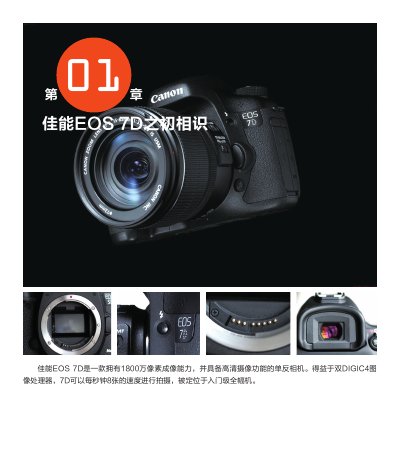
This document serves as a preliminary introduction to the Canon EOS 7D digital single-lens reflex (DSLR) camera. It details the contents of the packaging, including accessories like cables, chargers, and straps, and emphasizes the importance of checking for defects upon receipt.
The guide provides step-by-step instructions for essential initial setup tasks, such as installing the LP-E6 battery and charging it using the LC-E6/LC-E6E charger. It also covers how to mount a lens correctly and adjust the viewfinder angle. This manual is written in Chinese.
The camera can shoot at a speed of eight shots per second.
A fully charged battery should be able to shoot approximately 800 photos.
It should continue working for about 60 minutes until the indicator light stays solid green.