
This installation guide provides unpacking, component verification, and initial setup steps for a Canon copier in multiple languages.
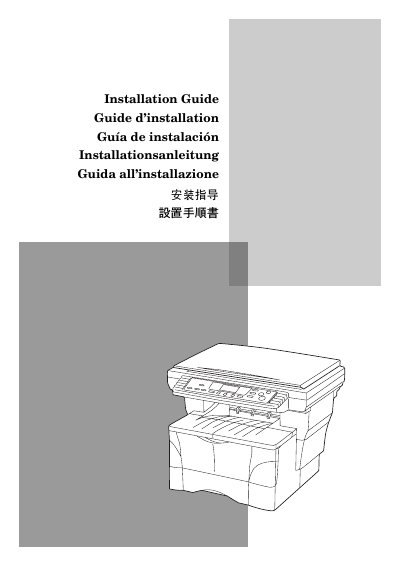
The document is a multilingual installation guide for a Canon copier. It covers the initial setup procedure before using the copier, including unpacking the components, removing protective materials, and opening the necessary covers.
The guide illustrates step-by-step instructions with diagrams: removing the copier from the box, checking included items (main body, power cord, toner container, operation guide, installation guide, cleaning cloth), handling precautions, removing protective sheets and tapes, opening the original cover, removing packing tapes and protective packing, pulling out the paper drawer, removing drawer protective packing, releasing the optical transport pin, and opening the upper front and front covers. This manual is written in Chinese.
The box includes the copier main body, power cord, toner container, operation guide, installation guide, and cleaning cloth.
The protective sheet (A) and the 2 pieces of packing tape (B).
Hold both the front and rear sides of the copier.
The protective packing (F) should be removed from inside the drawer.