
User manual for the Bticino Smarther X8000-X8000W thermostat covering Boost, temperature adjustment, Wi-Fi app control, programming, and reset.
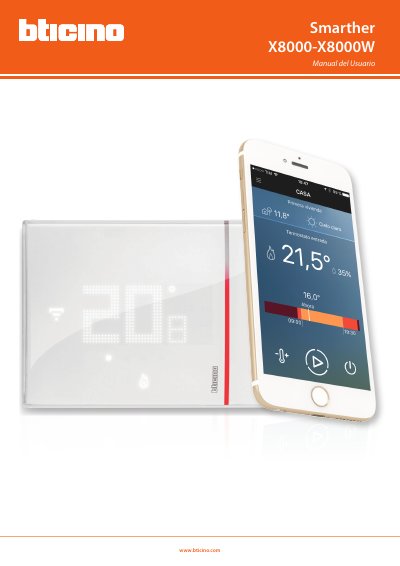
The Smarther manual explains quick use of the thermostat: activating Boost for 30, 60, or 90 minutes, adjusting the temperature, and changing between heating and cooling mode with the Thermostat App. It also covers managing up to four homes and up to four Smarther devices per home.
The document describes display symbols, basic functions, humidity display, reset, Wi-Fi connection, and advanced app functions such as account management, programming, profiles, users, settings, and help. This manual is written in Spanish.
| Default temperature when off | 7 °C in winter / 35 °C in summer |
|---|---|
| Boost duration | 30, 60, or 90 minutes |
| Homes managed in Thermostat App | Up to 4 |
| Smarther devices per home | Up to 4 |
| Connectivity | Wi-Fi |
Boost can be set for 30, 60, or 90 minutes.
It uses a default temperature of 7 °C in winter and 35 °C in summer.
The Thermostat App can manage up to 4 homes and up to 4 Smarther devices per home.
Communication takes place through the Wi-Fi connection provided with the device.