
This manual describes the use and installation of the Classe 100/20 (X16E) hands-free video indoor unit WIFI.
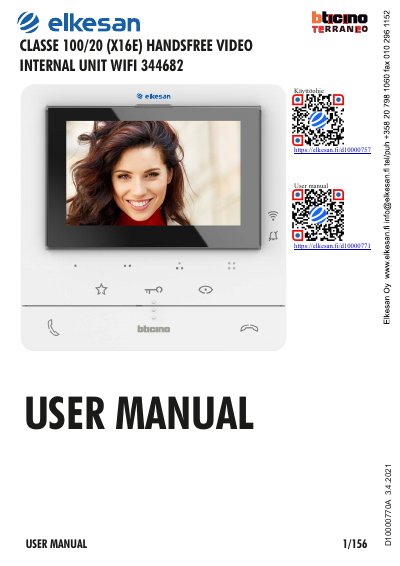
This manual covers the Bticino Classe100 X16E (Classe 100/20, item code 344682), a hands-free video internal unit with Wi-Fi for video door entry systems. It is a combined user and installation manual (document D10000770A) that explains how to operate the unit day to day and how to mount, wire and configure it.
A quick guide explains answering calls, auto-switching on and camera scrolling, and intercom calls to other rooms or apartments. Later chapters cover installation (wall mounting or the optional 344692 tabletop bases), configuration and programming of the programmable keys, device adjustments such as the joystick and Wi-Fi settings, and use with the Door entry Classe100X App, including account registration, association of the device, camera display, door lock release and staircase lights.
| Connectivity | Wi-Fi |
|---|---|
| Operation mode | Hands-free |
| Optional accessory | Tabletop base 344692 |
Touch the answer key to take the call. During the call you can press the joystick to adjust speaker volume, image brightness, contrast and colour.
Touch the programmable key configured for the internal unit you want to call; the key lights up while the call is active. The installer sets which key calls which internal unit.
Yes. In addition to wall-mounted installation, the manual describes installation on the optional tabletop bases 344692.
Yes, the manual has a section on using the unit with the Door entry Classe100X App, covering account registration and association of the device.