
The Bryston BR2 remote control manual explains features, battery replacement, programming codes, safety instructions and warranty details.
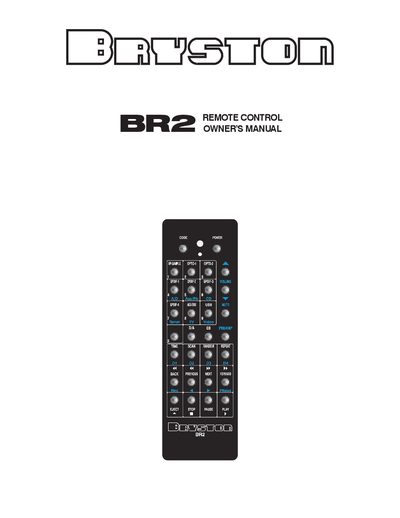
The BR2 remote control is a solid‑machined aluminum handheld infrared controller designed for Bryston audio products. It runs on two AAA batteries, includes an automatic motion‑sensing backlight, and offers programmable codes for a range of Bryston amplifiers, preamps and digital players.
The manual provides step‑by‑step instructions for setting up the remote, entering model‑specific codes, disabling the backlight, and important safety and warranty information. It also lists the full set of control codes for various Bryston devices such as the B100, B135, BDA‑1 and others.
| Power source | Two AAA batteries |
|---|---|
| Backlight type | Automatic motion‑sensing backlight, disable with code 792 |
| Ambient light sensor | Power‑saving sensor that inhibits backlight when not needed |
| Enclosure | Solid machined aluminum with push buttons |
| Compatibility | Works with over 7 Bryston amps & preamps |
| Motion sensor type | Free‑moving metal ball in a metal tube |
Remove the bottom cover plate by taking out the four Phillips screws on the rear of the remote, then insert new AAA batteries.
Enter the three‑digit code 792 using the CODE button on the remote.