
Key facts
- Manuals
- 1
- Languages
- EN
- Last added
- 2026-09-30
Featured Bryston manuals
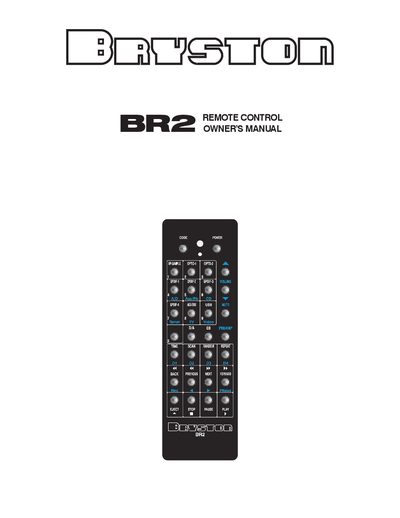
Bryston BR2 Remote Control Owner’s Manual
The BR2 remote control is a solid‑machined aluminum handheld infrared controller designed for Bryston audio products. It runs on two AAA batteries, includes an automatic motion‑sensing backlight, and offers programmable codes for a range of Bryston amplifiers, preamps and digital players.
The manual provides step‑by‑step instructions for setting up the remote, entering model‑specific codes, disabling the backlight, and important safety and warranty information. It also lists the full set of control codes for various Bryston devices such as the B100, B135, BDA‑1 and others.
Covers: Features · Programming the Remote · Model Select Buttons · Programming Specific Devices · Backlight Operation · Safety Instructions
Latest Bryston manuals
Bryston BR2 Remote Control Owner’s Manual
User Manual 4 pages · 729 KB · ENThe Bryston BR2 remote control manual explains features, battery replacement, programming codes, safety instructions and warranty details.
Which document do I need?
User Manual
Day-to-day operation, settings and troubleshooting. Start here if the product is already set up.
Questions answered in Bryston manuals
How do I replace the batteries in the BR2 remote?
Remove the bottom cover plate by taking out the four Phillips screws on the rear of the remote, then insert new AAA batteries.
How can I disable the motion‑sensing backlight?
Enter the three‑digit code 792 using the CODE button on the remote.