
User guide for Brother TD-2020 wristband printer covering installation, printing, troubleshooting, and maintenance.
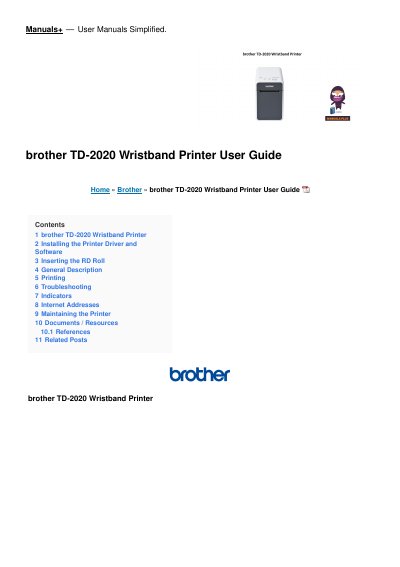
This user manual provides step-by-step instructions for installing the printer driver and software, inserting RD roll paper, and performing basic printing tasks. It also includes troubleshooting tips for common issues like power problems, print quality issues, and media jams. Maintenance procedures and indicator explanations are covered to help users operate the printer effectively.
The manual applies to the TD-2020, TD-2120N, and TD-2130N models. It includes guidance on connecting the printer to a computer or network, resetting the printer, and managing print settings. Users are advised to keep the manual handy for reference and to download updated versions from Brother’s support site. This manual is written in Chinese.
Insert the installer CD-ROM into your CD-ROM drive. Choose your language, click [Standard Installation], read the license agreement, and click [Agree] if you agree. Then click [Install] and follow on-screen instructions.
Check that cables are securely connected. If the STATUS indicator is blinking, check the error details in the 'Indicators' section and refer to 'If the STATUS indicator was blinking in red'.
Turn off the printer, press and hold the (Feed) button and (Power) button until the POWER indicator lights orange and STATUS blinks green. While holding (Power), press (Feed) 6 times. Release (Power) to reset and delete all transferred data.