
The Brother PT-1400 P-touch User's Guide explains how to set up and use the label printer for designing and printing labels.
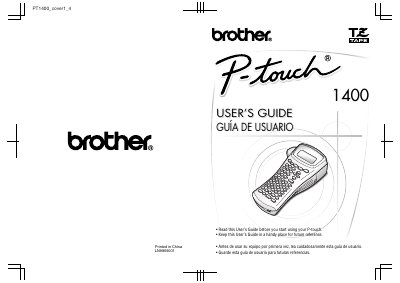
This user's guide covers the Brother PT-1400 P-touch label printer, including getting started, label type modes, basic functions, formatting, printing, storing files, machine adjustments, troubleshooting, and specifications.
It also includes warranty information, FCC compliance details, and contact information for users in the USA.
| Product Name | Brother Label Printer P-touch |
|---|---|
| Model Number | PT-1400 |
| Warranty Period for Machine | 90 days plus an additional warranty up to one year from the original purchase date |
| Warranty Period for Consumable and Accessory Items | 90 Days from the original purchase date |
The model number is PT-1400.
The machine has a two-stage warranty: 90 days from the original purchase date and an additional warranty up to one year from the original purchase date.
Brother International Corporation, 100 Somerset Corporate Boulevard, Bridgewater, NJ 08807-0911 USA.