
This user manual provides operating instructions for the Brother MFC-J6710DW multifunction printer, covering faxing, copying, scanning, and maintenance.
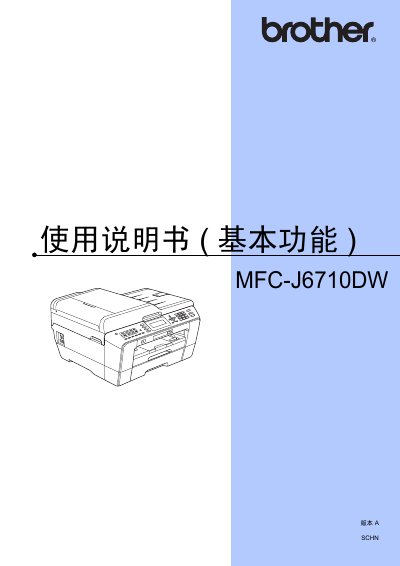
This document is the basic function user guide for the Brother MFC-J6710DW multifunction printer. It details how to operate essential features such as sending and receiving faxes, making copies, scanning documents using the automatic document feeder or flatbed scanner, and capturing images from memory cards or USB devices.
The manual also covers practical topics including loading paper into various trays, replacing ink cartridges, performing routine cleaning of the print head and scanner glass, and troubleshooting common errors like paper jams or low ink levels. It includes specifications for printing media, fax capabilities, and network connectivity. This manual is written in Chinese.
| Printer Type | Inkjet Printer |
|---|---|
| Memory Capacity | 64 MB |
| Display | 3.3 inch TFT Color LCD |
| Power Supply | AC 220 ~ 240 V, 50/60 Hz |
| Paper Tray #1 Capacity | Approx. 250 sheets |
| Fax Modem Speed | 33,600 bps (Auto) |
Tray #1 supports plain paper, inkjet photo paper (coated), and transparency film.
Refer to the section on Daily Maintenance for instructions on replacing ink cartridges.
Consult the Troubleshooting section specifically for printer paper jams to resolve the issue.