
This manual provides operating instructions for the Brother MFC-J2510 multifunction printer, covering setup, printing, scanning, faxing, and troubleshooting.
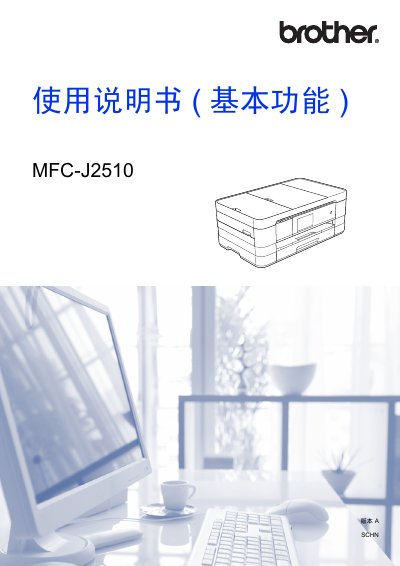
This user manual covers the basic functions of the Brother MFC-J2510 multifunction printer, including setup, operation, and maintenance. It details how to load paper and originals, send and receive faxes, copy documents, and scan images to a computer or storage media. The guide also explains how to use the touch screen interface and manage shortcuts. This manual is written in Chinese.
| Printer Type | Inkjet Printer |
|---|---|
| Memory Capacity | 128 MB |
| LCD Screen | 3.7 inch TFT Color Touchscreen |
| Power Supply | AC 220 ~ 240 V 50/60 Hz |
| Fax Modem Speed | Automatic Speed Reduction 33,600 bps |
| Fax Resolution (Standard) | 203 x 98 dpi (B/W), 203 x 196 dpi (Color) |
| Paper Tray Capacity | Approx. 150 sheets |
| Address Book Capacity | 100 names x 2 numbers or email addresses |
The device has a memory capacity of 128 MB.
The paper tray has a maximum capacity of approximately 150 sheets.