
Brother MFC-J2510 Quick Start Guide

This document provides quick installation instructions for the Brother MFC-J2510 multifunction printer, covering setup, paper loading, and initial…
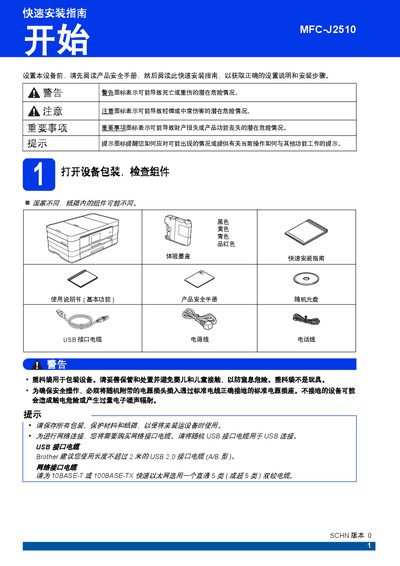

Brother MFC-J2510 Quick Start Guide - cover page
Brand
Brother
Category
Printer
Document type
Quick Start Guide
Language
Chinese
Pages
46
File format
PDF
File size
10.1 MB
Published
13 October, 2026
Updated
13 October, 2026
MD5 checksum
9DCAD5B12B7D8ABE0D85DFF98A1DBE38

About this manual

This guide covers the initial setup of the Brother MFC-J2510 multifunction printer. It includes steps for unpacking, removing protective films, and checking components. The guide details how to load paper into the tray and connect the power and telephone lines. This manual is written in Chinese.

What's inside

  • Unpacking and Components
  • Loading Paper
  • Connecting Power and Phone
  • Installing Ink Cartridges
  • Checking Print Quality
  • Touchscreen Operation
  • Selecting Receive Mode
  • Setting Date and Time
  • Entering Personal Information

Frequently asked questions

How long does the initial ink tube cleaning process take after installing new cartridges?

The cleaning process lasts approximately four minutes and should not be interrupted by removing the power plug.

What is the maximum recommended length for the USB cable used with this printer?

Brother recommends using a USB 2.0 interface cable that does not exceed two meters in length.

How many times can the phone ring before the device automatically sends a fax reception signal?

The default setting rings twice, but you can adjust this between zero and ten times in the settings.

What is the maximum number of digits allowed when entering a fax number on the display?

You can enter up to twenty digits for your fax number using the touchscreen.

Download PDF (10.1 MB)

More Brother Manuals


View all Brother manuals →