
This guide provides quick installation instructions for the Brother MFC-9320CW multifunction printer, covering setup, driver installation, and initial…
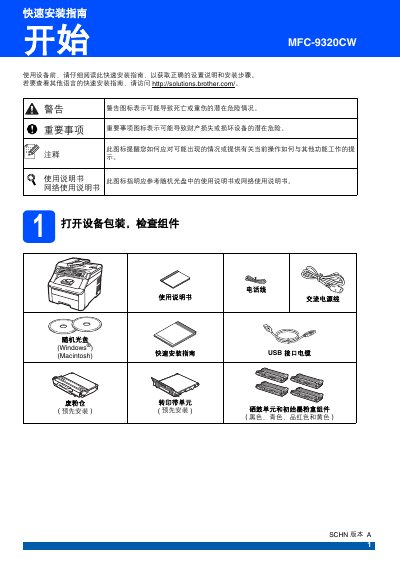
This document serves as a Quick Installation Guide for the Brother MFC-9320CW device. It outlines essential steps to get the machine ready for use, including unpacking, installing consumables like toner cartridges, and connecting power and phone lines.
The guide also details the initial setup procedures required after hardware installation. These include selecting the reception mode (Fax/Telephone), setting the language and date/time, entering personal identification information, and configuring dialing modes for fax transmission. This manual is written in Chinese.
The device weighs approximately 22.9 kilograms.
At least two people are required to handle the equipment to avoid personal injury.
The length of the USB 2.0 interface cable should not exceed 2 meters.
For 10BASE-T or 100BASE-TX Fast Ethernet, a straight-through Category 5 (or higher) twisted pair cable is selected.