
Brother MFC-640CW Quick Setup Guide

This guide provides step-by-step instructions for installing the Brother MFC-640CW all-in-one printer, including hardware setup, driver installation, and…
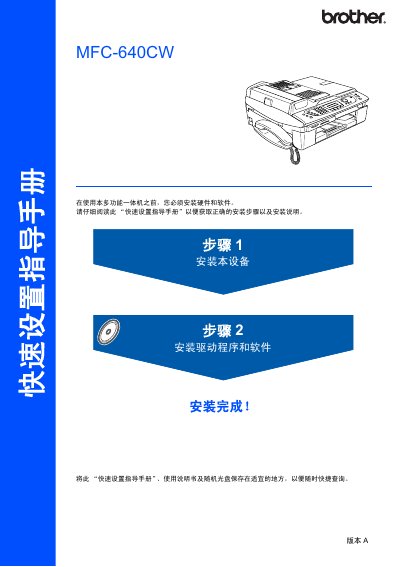

Brother MFC-640CW Quick Setup Guide - cover page
Brand
Brother
Category
Printer
Document type
User Manual
Language
Chinese
Pages
39
File format
PDF
File size
3.2 MB
Published
18 October, 2026
Updated
18 October, 2026
MD5 checksum
C1ECE95530DDA1C49ECC223703BC85C7

About this manual

This Quick Setup Guide covers the essential steps to get your Brother MFC-640CW all-in-one printer up and running. It details the unboxing process, hardware installation such as installing the handset, loading paper, connecting cables, and installing the ink cartridges. The guide also includes instructions for running the initial print quality check and setting the date and time. This manual is written in Chinese.

What's inside

  • Components in the Box
  • Control Panel Overview
  • Installing the Device
  • Installing Ink Cartridges
  • Print Quality Check
  • Installing Drivers and Software
  • Setting Network Configuration
  • Replacing Consumables

Frequently asked questions

What is the maximum number of sheets of paper that can be loaded into the paper tray?

The paper tray can hold a maximum of 100 sheets of 20 lb paper.

What is the maximum data transfer rate for the full-speed USB 2.0 interface on this device?

The maximum data transfer rate is 12 Mbits/s.

Download PDF (3.2 MB)

More Brother Manuals


View all Brother manuals →