
User guide for Braun ThermoScan® PRO 6000 ear thermometer with operation, battery replacement, and troubleshooting.
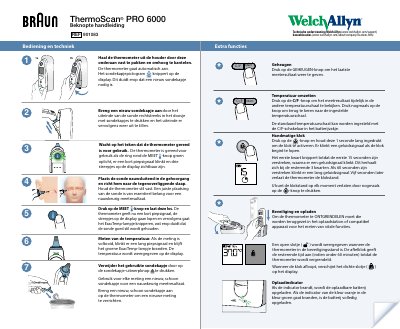
This manual explains how to operate the Braun ThermoScan® PRO 6000 ear thermometer, including inserting a new probe cover, measuring temperature, and using the memory and clock functions. It also covers battery replacement, troubleshooting common errors, and maintenance instructions.
The thermometer requires a new probe cover for each measurement and displays temperature in Celsius or Fahrenheit. It includes a memory function to recall the last reading and a clock function for timed measurements. The device is designed for medical or home use and must be reset if errors occur. This manual is written in Dutch.
| Battery Type | 2 AA alkaline batteries |
|---|---|
| Temperature Range | 20 °C to 42.2 °C (68 °F to 108 °F) |
| Operating Temperature | 10–40 °C (50–104 °F) |
Press the probe cover release button, remove the used cover, and attach a new, clean cover directly to the probe tip.
HI indicates temperature above 42.2°C (108°F), and LO indicates temperature below 20°C (68°F). Replace the probe cover and retry the measurement.
Wait 20 seconds for the thermometer to turn off, then turn it back on. If the error persists, remove and replace the batteries.