
User manual for the BP-003 Series high-speed mini thermal printer, covering safety, installation, control panel, paper loading, specifications and…
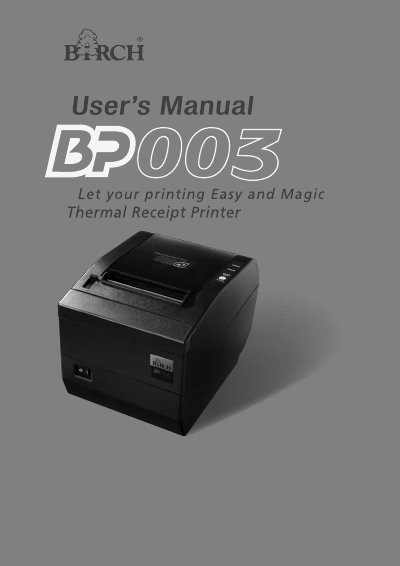
The BP-003 Series User’s Manual covers the BP-003 high-speed mini thermal printer, a POS printer used for receipt printing in ECR, PC-POS and BANK POS systems. It explains the safety instructions, unpacking and checking, interface and power connections, print driver installation, network settings, control-panel operation, roll-paper loading, specifications, troubleshooting and maintenance.
The manual lists parallel, serial and USB, and Ethernet and USB interface versions, plus a cash drawer interface, and states that the auto cutter is available as a partial cutter or a full cutter. It also includes control commands and a commands list appendix, and states FCC Part 15 compliance.
| Print type | High-speed mini thermal printer |
|---|---|
| Applications | ECR, PC-POS and BANK POS receipt printing |
| Interface options | Parallel, serial & USB, or Ethernet & USB |
| BP-003BP interface | Parallel interface |
| BP-003BR interface | Serial and USB interfaces, with serial cable |
| BP-003BU interface | Serial and USB interfaces, with USB cable |
| BP-003BN interface | Ethernet and USB interfaces, with LAN cable |
| Cutter options | Partial cutter or full cutter |
| Driver operating system | Windows 2000 or above for auto-install |
| Compliance | FCC Part 15 |
It is a high-speed mini thermal printer used as a POS printer for receipts.
The printer can be configured with parallel, serial and USB, or Ethernet and USB interfaces.
It cuts the paper with one point left.
It cuts the paper fully.