
User guide for the Bol FWMOU0090 left-handed ergonomic vertical wireless mouse, covering installation, specifications, and FAQs.
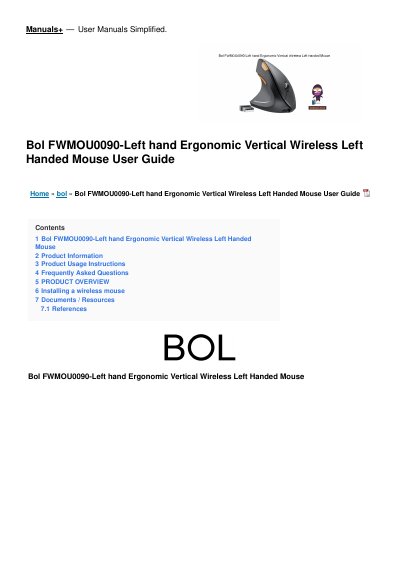
The Bol FWMOU0090 is a left-handed ergonomic vertical wireless mouse that operates on a 2.4 GHz frequency with an included USB receiver. It is powered by two AAA batteries and features an on/off switch on the bottom.
The user guide provides step-by-step installation instructions, specifications, and answers to common questions about connectivity, battery life, Mac compatibility, USB 3.0 support, and sensitivity adjustment.
| Wireless Technology | 2.4GHz |
|---|---|
| USB Receiver | Included |
| Battery Type | AAA |
Once you have completed the installation steps, you should see a cursor moving on your screen when you move the mouse.
The battery life may vary depending on usage, but on average, the batteries should last for several months.
Yes, this mouse is compatible with both Windows and Mac operating systems.
Yes, the USB receiver can be used with both USB 2.0 and USB 3.0 ports.