
This BMW manual explains the remote software upgrade process for vehicle systems, covering new features, installation steps, and important safety notes.
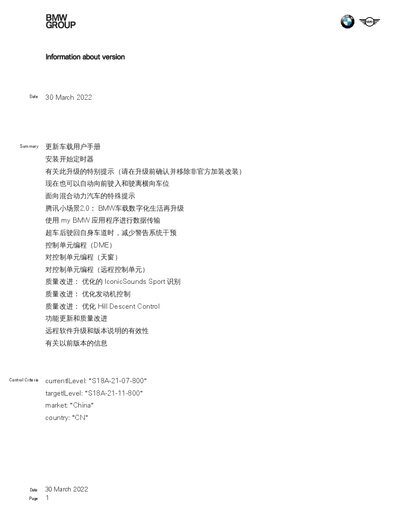
The document provides detailed instructions for performing a remote software upgrade of BMW vehicle systems. It outlines the scope of the upgrade, supported models, market restrictions, and required preparations before starting the update.
Key sections include updating the vehicle user manual, handling the installation start timer, advanced automatic parking enhancements, the Tencent Small Scene 2.0 UI update, data transfer via the myBMW app, lane‑assist behavior after overtaking, control‑unit programming for various functions, and a list of quality‑improvement items such as engine control and sound‑sport recognition. This manual is written in Chinese.
| Supported Models | I020, U006 |
|---|---|
| SACode Options | 5DM, 5DN |
| Current iLevel | < "21-11-520" |
| Target iLevel | ≥ "21-11-520" |
All OBD diagnostic systems such as trip loggers and GPS trackers must be removed during startup and upgrade.
No, the timer function is temporarily unavailable in the user's market due to technical reasons.
After overtaking, the system automatically reduces lane‑departure warning interventions when returning to the original lane.
Yes, data can be transferred to the vehicle via the myBMW application over Wi‑Fi or Bluetooth.