
User manual for BML USB-C Multiport Docking Station L with connection, installation, maintenance, and safety instructions.
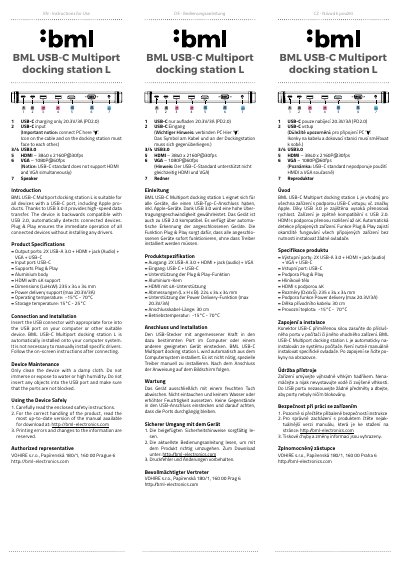
This user manual provides instructions for connecting, installing, maintaining, and safely using the BML USB-C Multiport Docking Station L. It includes product specifications, technical details, and safety information. The device supports USB 3.0 for high-speed data transfer and is compatible with USB 2.0. It features automatic device detection and Plug & Play functionality for seamless operation without driver installation.
| Output ports | 2X USB-A 3.0 + HDMI + jack (Audio) + VGA + USB-C |
|---|---|
| Input port | USB-C |
| HDMI support | 4K resolution at 3840 x 2160P@30fps |
| VGA support | 1080P@60fps |
| Power delivery | max 20.3V/3A (PD2.0) |
| Dimensions | 235 x 34 x 34 mm |
| Operating temperature | -15°C to 70°C |
It is suitable for all devices with a USB-C port, including Apple products.
No, it supports Plug & Play, so all connected devices operate immediately without installing drivers.
It supports Power Delivery up to 20.3V/3A (PD2.0).
No, the USB-C standard does not support using HDMI and VGA simultaneously.