
Key facts
- Manuals
- 1
- Languages
- EN
- Last added
- 2026-11-05
Featured BML manuals
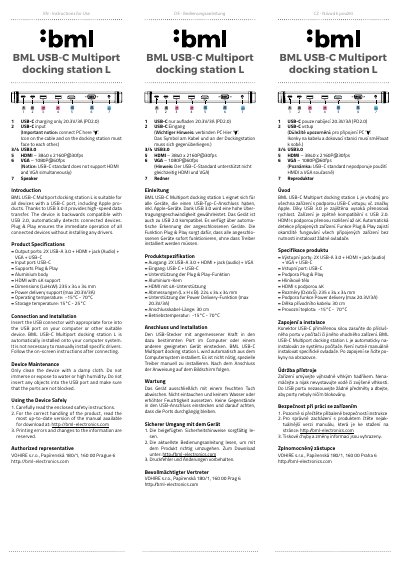
BML USB-C Multiport Docking Station L User Manual
This user manual provides instructions for connecting, installing, maintaining, and safely using the BML USB-C Multiport Docking Station L. It includes product specifications, technical details, and safety information. The device supports USB 3.0 for high-speed data transfer and is compatible with USB 2.0. It features automatic device detection and Plug & Play functionality for seamless operation without driver installation.
Covers: Introduction · Connection and Installation · Device Maintenance · Using the Device Safely · Product Specifications
Latest BML manuals
BML USB-C Multiport Docking Station L User Manual
User Manual 2 pages · 337 KB · ENUser manual for BML USB-C Multiport Docking Station L with connection, installation, maintenance, and safety instructions.
Which document do I need?
User Manual
Day-to-day operation, settings and troubleshooting. Start here if the product is already set up.
Questions answered in BML manuals
What devices is this docking station compatible with?
It is suitable for all devices with a USB-C port, including Apple products.
Does this device require driver installation?
No, it supports Plug & Play, so all connected devices operate immediately without installing drivers.