
Quick guide for the Bluebird HF550 Hybrid Full Touch Handheld Computer, covering safety information, package contents, device layout, card installation and…
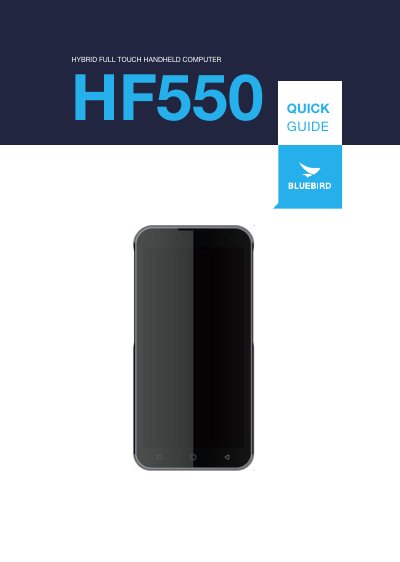
This quick guide introduces the Bluebird HF550 Hybrid Full Touch Handheld Computer. It explains the safety symbols and precautions for using the device, its environment, charging, distraction and frequency interference, and lists what is included in the package.
The guide also describes the front, back, bottom and top of the HF550, including the touch screen, buttons, sensors, camera, card slot, headset jack, speaker and microphones. It provides steps for inserting and removing a micro SIM card and a micro SD card, turning the device on and off, and information about warranty and customer support.
| Operating temperature | -10°C to 50°C (14°F to 122°F) |
|---|---|
| Operating humidity | 5% to 95% |
| Warranty term | 1 year from purchase |
The package includes the HF550 device, a Micro USB cable (C-type), a wall adapter and a SIM tooling pin. The illustrations may differ from the actual items.
Remove the card slot on the right side of the device, insert the micro SIM card with the gold contacts facing down, then insert the card slot back into the device.
Press and hold the Power button for a few seconds to turn the device on. To turn it off, press and hold the Power button, then tap Power off.
The warranty term is 1 year from purchase, and Bluebird will repair or replace a defective product according to its warranty policy.