
User manual for the Bluebird BI-500 rugged handheld scanner, covering safety warnings, usage instructions, battery precautions, and technical specifications.
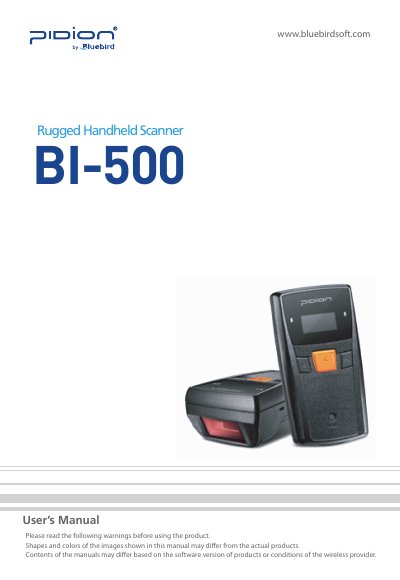
This manual provides comprehensive operating instructions for the Bluebird BI-500 rugged handheld scanner. It details safety precautions, including warnings about electromagnetic waves, battery handling, and environmental conditions. The guide explains how to insert and remove the battery, charge the device, and power it on or off. It also covers basic operations such as barcode scanning, LED indicator meanings, and data synchronization with a PC or PDA.
| Device Type | A-level (IT Device at work) |
|---|---|
| Operating Temperature | 0~40°C (32~104°F) |
| Battery Warranty | 6 months |
Using a non-original battery may decrease the device's life and void the free repair service.
The Charging LED turns green when the battery is fully charged.