
User manual for Blue Cat Audio's Re- Guitar plugin, covering installation, interface, operation, and customization for emulating guitar tones.
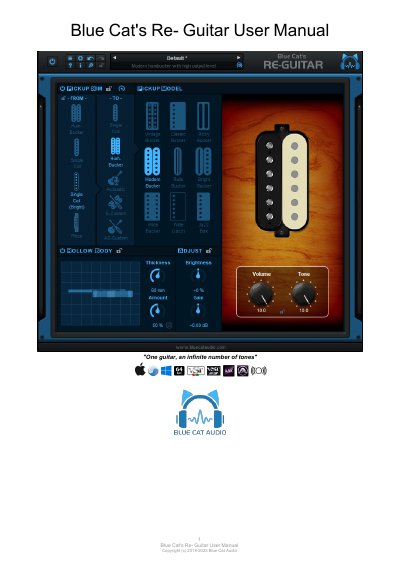
This manual guides users through installing and using Blue Cat Audio's Re- Guitar plugin, which emulates various guitar tones and pickup types. It covers system requirements, installation steps for Windows and Mac, user interface components, and how to adjust settings for electric and acoustic guitars. The guide also explains how to integrate the plugin into a DAW or Axiom for optimal performance.
Key features include pickup simulation, hollow body emulation, brightness and gain controls, and preset management. Users can calibrate the plugin to match their guitar’s pickups and customize simulations for unique sounds.
Place it first in the signal chain, before any other effect or pedal, including compressors and distortion pedals.
The demo version allows a maximum of 5 instances of the plug-in per session.
It should be placed first in the signal chain, before any other effect or pedal.
You must turn off the hollow body simulation and set both tone and volume pots to their maximum value.