
This manual covers the installation, interface, controls, and MIDI/automation features of the free Blue Cat's Flanger vintage audio effect plugin.
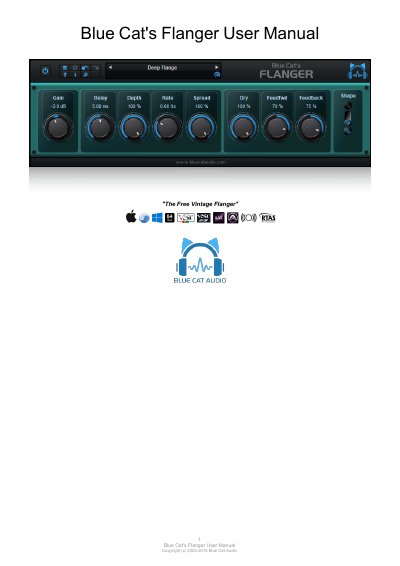
Blue Cat's Flanger is a free vintage flanger effect plugin designed for use within a host application. It supports stereo spread control, various LFO shapes, and offers full MIDI and automation support. The software is compatible with major operating systems including Windows and Mac OS X across various plugin formats like VST, AU, and AAX.
| Supported Platforms | Mac- AAX, Mac- AU, Mac- RTAS, Mac- VST, Mac- VST3, Win- AAX, Win- RTAS, Win- VST, Win- VST3, Win x64- AAX, Win x64- VST, Win x64- VST3 |
|---|---|
| Windows Processor Requirement | SSE2- enabled processor (Pentium 4 or newer) |
| Mac OS Requirement | Mac OS 10.7 or newer |
| CPU Load Behavior | No CPU load on idle |
No, the plug-in versions cannot be run standalone and require a host application.
Yes, it offers full MIDI control and automation support with silent, zipper-free parameters update.
On Windows, launch the 'Uninstall' program in the start menu; on Mac, remove the component from its install location.