
This manual provides instructions for installing, programming user codes, and configuring settings for the Black & Decker SmartCode Lever electronic lock.
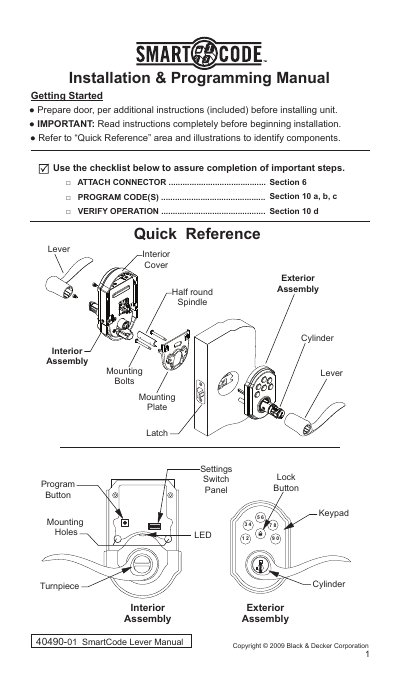
This document serves as the installation and programming guide for the Black & Decker SmartCode Lever. It details the assembly process, including mounting the interior and exterior assemblies, installing batteries, and attaching the levers. The guide also explains how to program up to four user codes and configure various settings such as auto-lock and audio feedback.
| Battery Type | 4 AA Alkaline |
|---|---|
| User Codes Capacity | Up to 4 user codes |
| Code Length | 4 to 8 digits |
| Auto Lock Delay | 30 seconds |
| Incorrect Code Lockout | 60 seconds |
The keypad will flash red, the beeper will sound for 15 seconds, and input will be blocked for 60 seconds.
No, the low battery red LED cannot be disabled regardless of the switch settings.