
Step‑by‑step guide for configuring the ZMIN X1i printer driver in BarTender software.
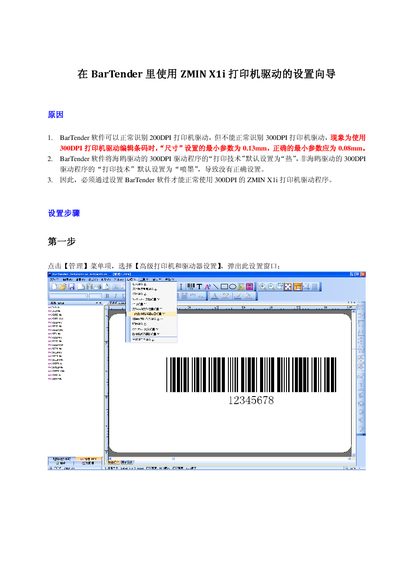
This guide explains how to set up the ZMIN X1i printer driver within BarTender so that the 300 DPI driver is recognized and works correctly. It covers selecting the printer, overriding default settings, and adjusting print technology and photoelectric size.
Follow the four configuration steps: select the ZMIN X1i printer, enable "Override default settings", set the print technology to "heat", and adjust the horizontal and vertical photoelectric size to 3.3 mils. After confirming the changes, the driver operates normally. This manual is written in Chinese.
| Supported DPI | 300 DPI |
|---|---|
| Minimum size parameter | 0.08 mm |
| Photoelectric size (horizontal) | 3.3 mils |
| Photoelectric size (vertical) | 3.3 mils |
Because BarTender defaults the 300 DPI driver’s print technology to "thermal" instead of the required "heat" setting.
Open the driver settings, enable "Override default settings", then set both the horizontal and vertical photoelectric size to 3.3 mils and confirm.