
Axia Audio Element v2.x Installation and User's Guide

This guide provides installation and operation instructions for the Axia Audio Element v2.x and StudioEngine software, covering setup, connections, and…
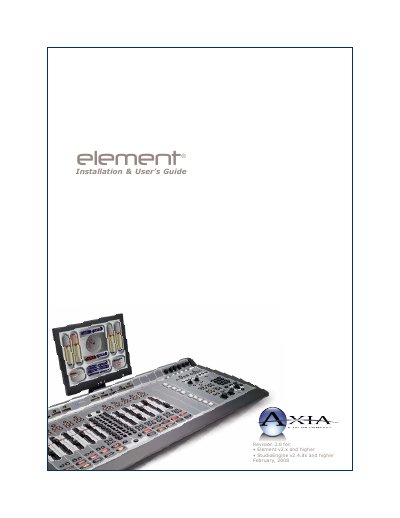

Axia Audio Element v2.x Installation and User's Guide - cover page
Brand
Axia Audio
Category
Other Electronics
Document type
User Manual
Language
English
Pages
178
File format
PDF
File size
12.6 MB
Published
17 October, 2026
Updated
17 October, 2026
MD5 checksum
BF1A17140519F4DCE2295C9C29A4740B

About this manual

This manual serves as the installation and user's guide for the Axia Audio Element Studio Control Surface and StudioEngine software, specifically for versions 2.x and higher. It details the setup process, including hardware connections and IP configuration, as well as software initialization. The document assumes familiarity with the Livewire system design concepts.

What's inside

  • Quickstart
  • Making Connections
  • Software Setup
  • Element Preliminary Setup
  • IP Address Configuration
  • Clock Configuration
  • StudioEngine Quick Setup
  • Configuring Inputs
  • Configuring GPIO
  • Element Operations

Frequently asked questions

What is the Axia Audio Element v2.x used for?

It serves as a Studio Control Surface that operates alongside the StudioEngine.

Who should perform the installation and servicing of this equipment?

Only qualified personnel are authorized to install or service the unit.

What type of power connection is required for safe operation?

The device must be connected to a power source that includes a third grounding connection.

Download PDF (12.6 MB)

More Axia Audio Manuals


View all Axia Audio manuals →