
Axia Audio Element v.2.0 Installation and User's Guide

This manual provides installation, setup, and operation instructions for the Axia Audio Element v.2.0 broadcast console, including configurations for…
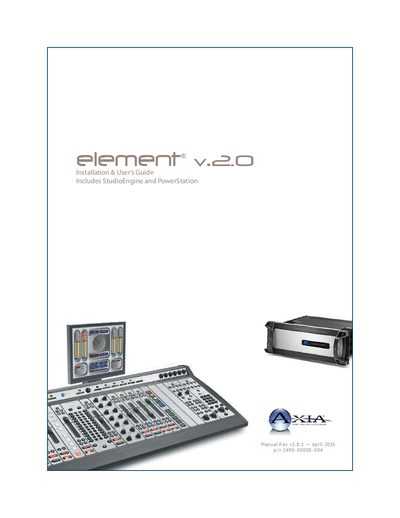

Axia Audio Element v.2.0 Installation and User's Guide - cover page
Brand
Axia Audio
Category
Other Electronics
Document type
User Manual
Language
English
Pages
186
File format
PDF
File size
10.1 MB
Published
13 October, 2026
Updated
13 October, 2026
MD5 checksum
1A7C229776DFDB17E08BE6270F5DCCC4

About this manual

This document serves as the comprehensive installation and user's guide for the Axia Audio Element v.2.0 broadcast console. It covers detailed instructions for setup, configuration, and operation of the equipment, specifically addressing two primary configurations: the Element with StudioEngine and the Element with PowerStation. The guide assumes familiarity with Livewire's basic concepts and provides background on Audio over IP systems.

What's inside

  • Quickstart: Element with StudioEngine
  • Quickstart: Element with PowerStation
  • StudioEngine Quick Setup
  • PowerStation Setup
  • IP Configuration
  • Source Profile Setup
  • GPIO Port Definitions
  • Element Operations
  • Show Profiles
  • General Fader Controls

Specifications

Document RevisionRev 1.8.1
Document Part Number1490-00058-004
Warranty PeriodTwo Year limited warranty

Frequently asked questions

Who provides 24/7 support for Axia Audio products?

Axia Audio's 24/7 Support Team is available by phone at +1 216-622-0247.

What is the warranty period for the Axia Audio Element?

The product is covered by a Two Year limited warranty.

Where can users find non-emergency technical support via email?

Non-emergency technical support is available at [email protected].

Download PDF (10.1 MB)

More Axia Audio Manuals


View all Axia Audio manuals →