
This manual provides installation, usage instructions, safety guidelines, and maintenance tips for the AXENT Digital Basin Faucet models F374 and F474.
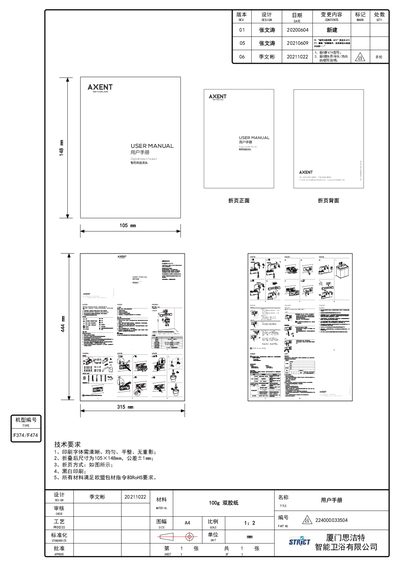
The AXENT Digital Basin Faucet is a smart bathroom fixture designed for touch control operation. It features automatic water flow activation via touch or rotation of a knob, allowing users to adjust water volume and temperature settings conveniently. The device supports both cold and hot water mixing with specific operational modes for different water temperatures.
This user manual covers the complete lifecycle of the product, including pre-installation safety checks, step-by-step installation procedures, detailed usage instructions for controlling water flow and temperature, cleaning and maintenance guidelines to preserve the finish, and troubleshooting advice for common issues such as no water output or indicator light anomalies. This manual is written in Chinese.
| Rated Voltage | 100-240 V ~, 50/60 Hz |
|---|---|
| Rated Power | 6 W |
| Water Pressure Range | 0.05-1 MPa |
| Water Temperature Range | 4℃~90 ℃ |
| Temperature Adjustment Range | 15~42 ℃ |
Touch the touch panel or faucet part lightly to turn the light on and start the water flow, or rotate the knob clockwise. Touch again or rotate counter-clockwise to stop.
Press the degree symbol on the panel, then rotate the knob clockwise to increase or counter-clockwise to decrease the temperature.
Check if the indicator light is off and rotate the knob clockwise to open the faucet, or check if the hot water inlet switch is closed.
Do not use benzene, paint thinners, scouring powder, nylon brushes, or corrosive solutions; use diluted neutral cleaners instead.