
User manual for the AXENT XT-SPA Cloud Smart Bathtub with safety instructions, operation guide, maintenance steps and warranty details.
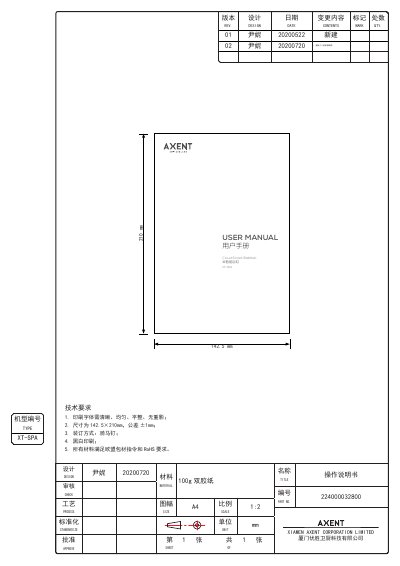
This manual provides all necessary information to install, operate and maintain the AXENT XT‑SPA Cloud Smart Bathtub. It covers safety precautions, app integration, control panel functions, shower head operation, cleaning procedures, and troubleshooting.
The document also includes warranty registration instructions, environmental compliance data, and contact details for service support. Users are advised to read the safety section before first use and keep the manual for future reference.
| Document size | 142.5 × 210 mm |
|---|---|
| Operating voltage | 220 V AC, 50 Hz |
| Water pressure range | 0.1 – 0.5 MPa |
| Maximum water temperature | 60 °C |
| Default preset temperature | 38 °C |
| Warranty period | Bathtub body 5 years; motor and accessories 2 years |
Long‑press the Fill, Shower and Decrease buttons together until the preset temperature appears on the display, which turns off child protection mode.
Remove the shower head from its bracket; the head must be fully pulled out of the panel to allow water flow.
The water pressure must stay within 0.1 to 0.5 MPa, as higher pressure can damage the product.