
A workshop guide showing how to use the UVP AutoChemi Image System for various detection methods and software tools.
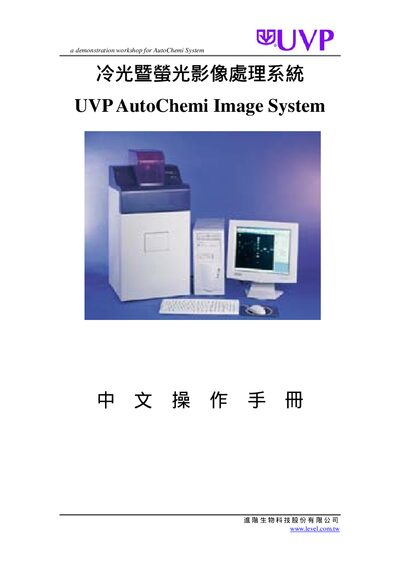
The guide walks users through the AutoChemi System's detection capabilities, including chemiluminescence, fluorescence, chromogenic imaging, X‑ray film, colony counting, and TLC analysis. It also explains how to operate the LabWorks 4.0 software and the integrated Hamamatsu camera for image acquisition and Western blot processing.
Additional sections cover image adjustment tools such as aperture, zoom, and illumination settings, as well as detailed procedures for creating and editing molecular weight standards, using the digital playback and display range toolbars, and exporting results. This manual is written in Chinese.
| Software version | LabWorks 4.0 |
|---|---|
| Camera | Hamamatsu Camera |
The workshop includes chemiluminescence, fluorescence, chromogenic imaging, X‑ray film, colony counting, and TLC analysis.
Use the Aperture (Aperture) and Zoom (Zoom) controls in the toolbar to set the desired values.
Select “Create New Molecular Weight Standard” from the menu, define the lane bands, and save the standard.