
This manual provides instructions for installing, commissioning, testing, resetting, and removing the Aumüller M-COM Click communication module for…
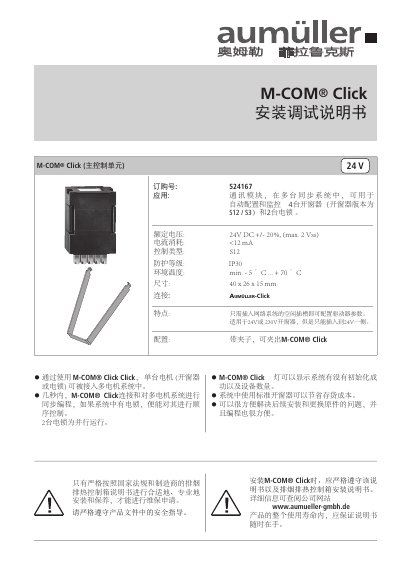
The Aumüller M-COM Click is a communication module designed for use in multi-motor systems with window ventilators or electric locks. It allows single motors to be integrated into a system, enabling synchronization and sequential control of up to four window ventilators (S12/S3 versions) and two electric locks within seconds. This manual is written in Chinese.
| Rated Voltage | 24V DC +/- 20% |
|---|---|
| Current Consumption | <12 mA |
| Control Type | S12 |
| Protection Class | IP30 |
| Operating Temperature | -5 °C ... +70 °C |
| Dimensions | 40 x 26 x 15 mm |
It is suitable for automatically configuring and monitoring up to four window ventilators (S12/S3 versions) and two electric locks.
A flashing red light indicates that the device is in factory settings or waiting for reset.
Press the button inside the hole with a metal wire for about 5 seconds, then apply voltage.