
A quick setup guide for the AudioCodes MP-124 AC-powered VoIP SIP media gateway, covering installation, IP configuration, and basic SIP parameter setup.
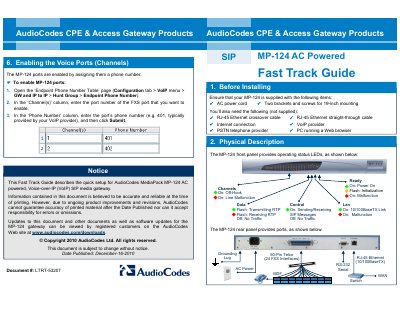
This document serves as a Fast Track Guide for the AudioCodes MediaPack MP-124 AC-powered VoIP SIP media gateway. It outlines the necessary items for setup, including supplied and required external components, and describes the physical description of the device's front and rear panels.
| Default IP Address | 10.1.10.10 |
|---|---|
| Subnet Mask | 255.255.0.0 |
| Default Gateway | 0.0.0.0 |
| Power Type | AC |
| Product Type | VoIP SIP media gateway |
The MP-124 is supplied with an AC power cord and two brackets and screws for 19-inch mounting.
You will need an RJ-45 Ethernet crossover cable, an RJ-45 Ethernet straight-through cable, an Internet connection, a VoIP provider, a PSTN telephone provider, and a PC running a Web browser.
The default user name is 'Admin' and the default password is 'Admin'.